Shopify Flow: Tydal and Joy Loyalty
Set up Shopify Flow to automatically award Joy points when customers review through Tydal
Tydal is no longer available on the Shopify App Store. This integration guide is kept for reference only. If you're looking for a review app that integrates with Joy, consider alternatives such as Judge.me or other supported review apps.
Shopify Flow: Tydal and Joy Loyalty
This feature is available for Essential, Advanced, and Ultimate
How You Can Benefit from This Workflow
We're thrilled to introduce a new workflow between Joy Loyalty and Tydal. This workflow allows you to effortlessly display reviews and star ratings on social media and search engines. Isn't that fantastic?
What's more, once your customer successfully leaves their reviews on Tydal, the corresponding points will be added to their account in the Joy Loyalty Program. It's a win-win!
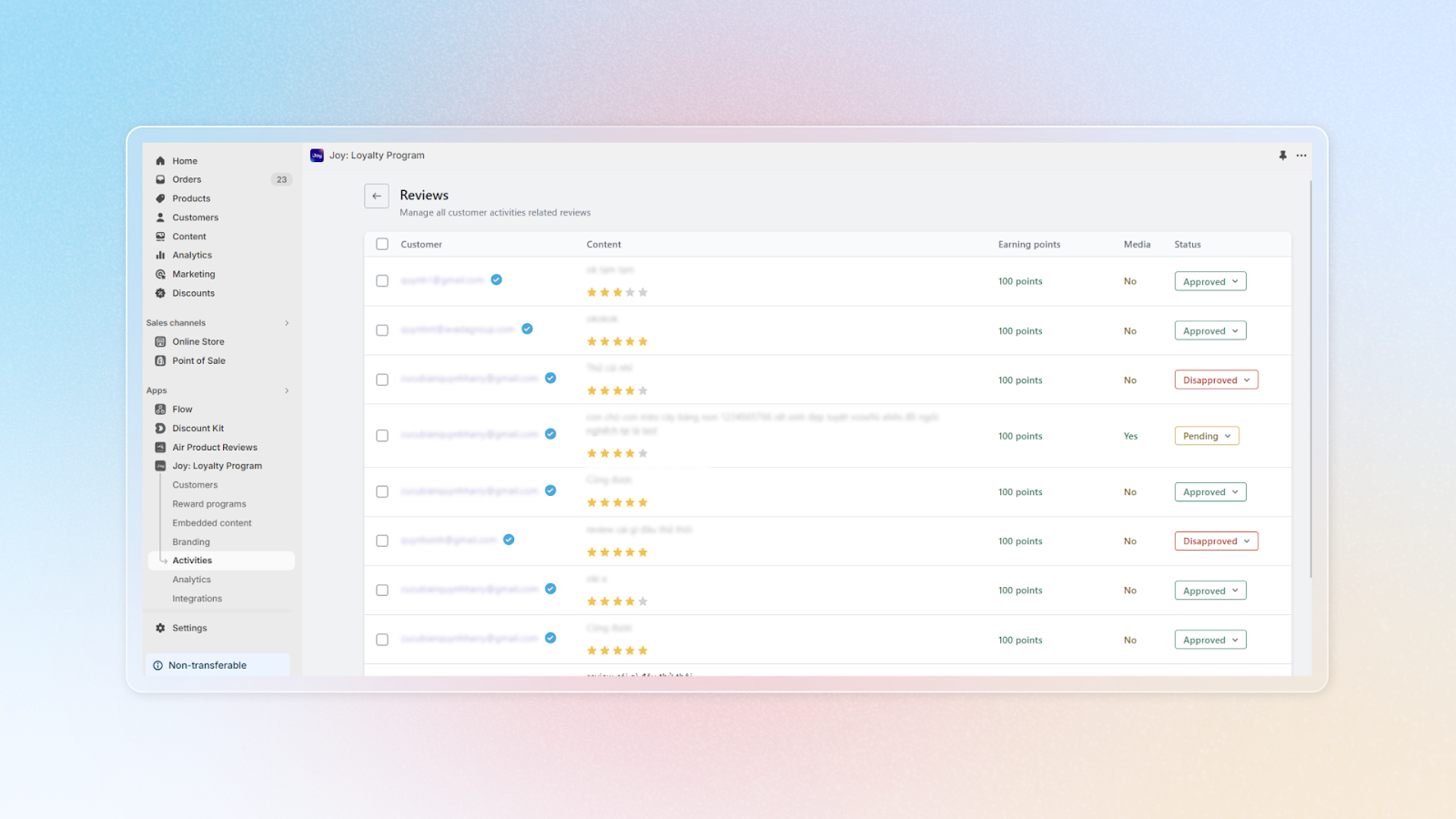
Let's Create a Workflow between Joy Loyalty and Tydal
Step 1: Access Shopify Flow and Create a New Workflow
First things first, please access Shopify Flow and create a new workflow. Here, you'll need to choose Tydal as the trigger.
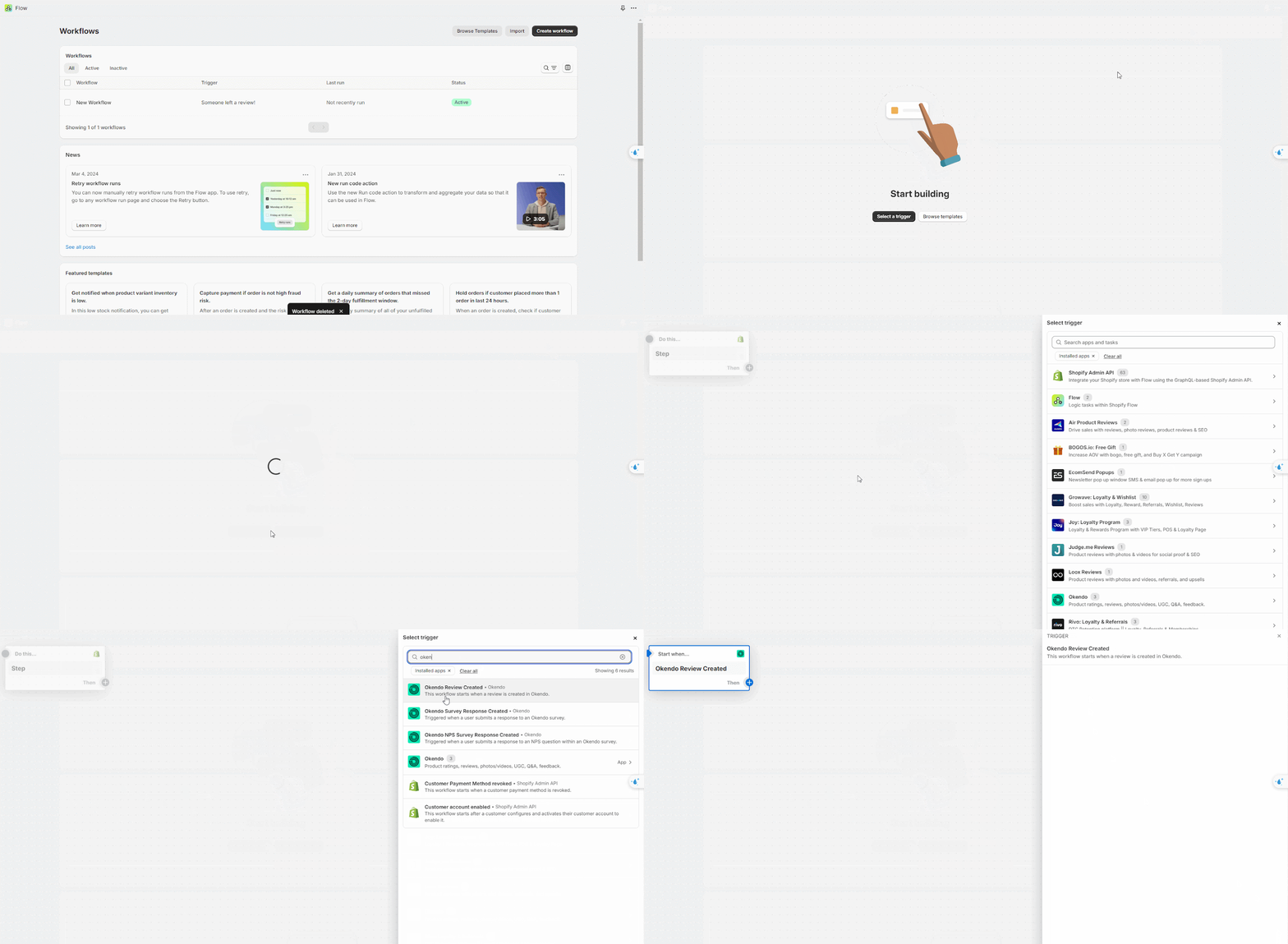
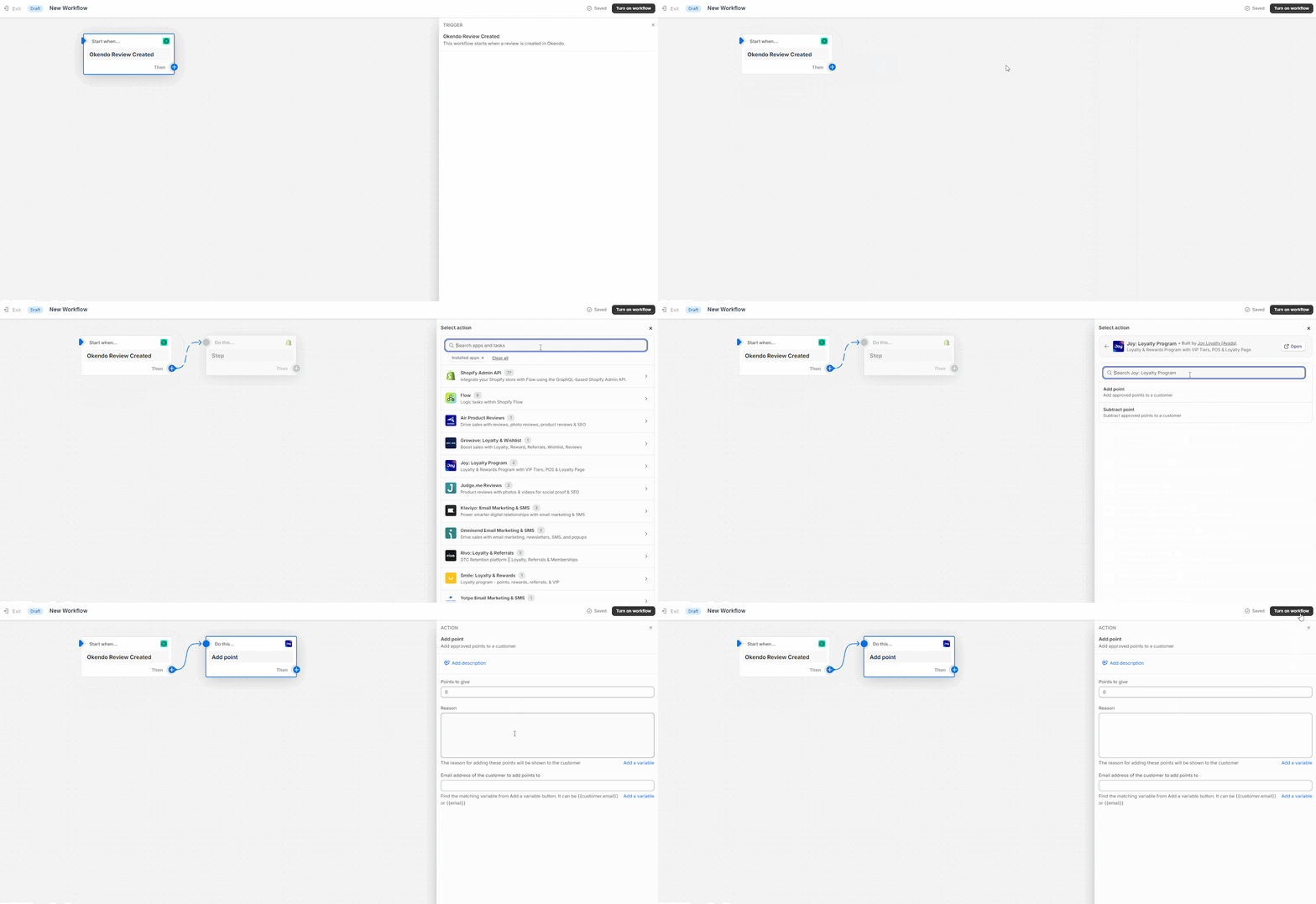
Step 2: Select Action - Choose Joy Loyalty
Next, please select 'Action' and choose 'Joy loyalty' to automatically add points for each new review. And voila, you're all set!
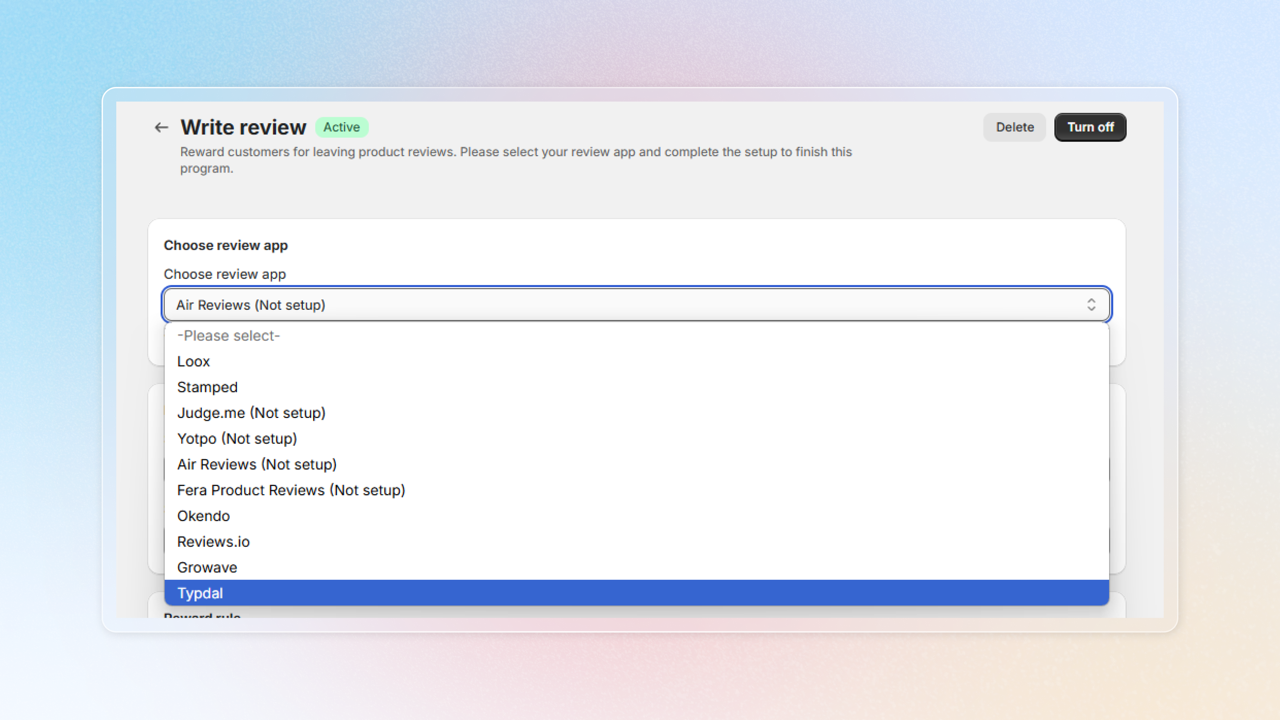
How to choose Tydal as the review app in Write review program
Get access to "Write review"
Choose Reward programs -> Earning programs -> Click Add rule -> Choose Write review
Choose review app
Select Tydal as the review app to integrate with
Want to set up a 'Write Review' program for your customers? Click here for details
Remember, we're here to help you every step of the way. If you have any questions or need further assistance, please don't hesitate to reach out. Happy reviewing!